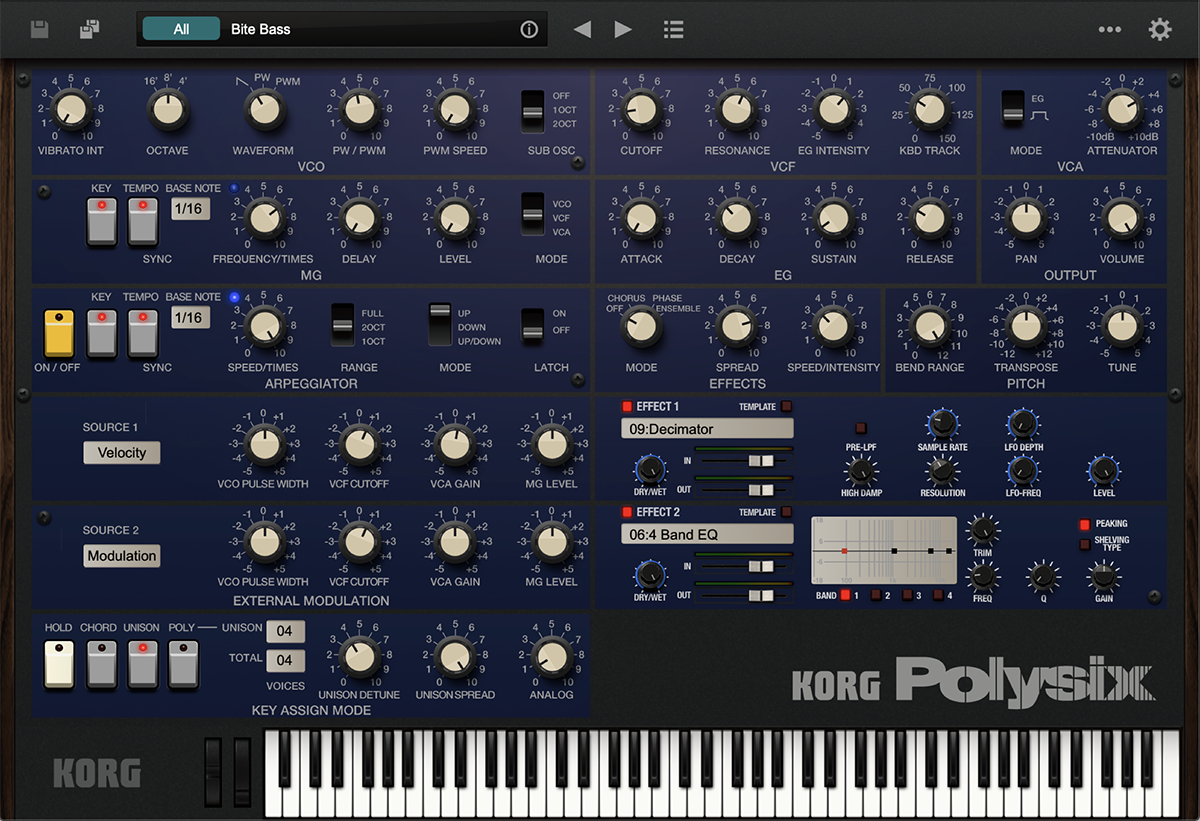
I bet most of us have a synth we keep coming back to for one particular job. Something that doesn’t come up quite so often when people talk about producing trance.
For me, one of those is the Korg Polysix. I associate it with those warm synthwave basslines, particularly the Fat Line Bass presets. But the way I like to use it in trance is as a rolling mid-bass layer, with a touch of delay and set a little further back in the mix.
That’s what I wanted to get into when I asked about less obvious synth choices on Reddit. There’s room for sounds that bring something different to the track.
The bit I like
It’s the warmth and the movement. That little rolling part can give the bassline another feel without needing to be right at the front. It doesn’t have to announce itself every time a note plays.
There’s a temptation when you add a layer to make sure everyone can hear it. Turn it up, brighten it, add more processing. But a supporting part can earn its place quietly. Mute it and listen to what the groove loses. If the track feels better with it back in, it’s doing something useful.
That’s the appeal of the Polysix for this job. A sound you might associate with another style can sit quite naturally in a trance track once you give it a role.
A little context on the plugin
This is the software Polysix, rather than a review of the original hardware. Korg’s current Polysix V2 keeps the straightforward oscillator, filter and envelope layout, along with chorus, phase and ensemble effects. The software also goes beyond the original six-voice instrument, with up to 32 voices, unison and two additional effects slots.
The V2 interface is resizable too. You can find the full specification and demo details on Korg’s product page. My interest here is what that character adds to a track.
Give it a job in the bassline
If you want to try this, start with your kick and sub already playing. Bring the Polysix in quietly and find a register where you can hear the movement without the bottom end suddenly getting heavier.
Keep an ear on how long the notes hang around. A sound that feels warm on its own can make the groove feel crowded when each note runs into the next. Try shortening the notes or release before reaching for another effect. Our envelope guide lets you explore that relationship.
Then try a little delay. Listen to the repeats against the kick and the other bass parts. If they blur the rhythm, pull the delay back or try a different timing. You want the extra movement to help the groove.
And keep going back to the whole track. If adding this layer makes the sub harder to follow, or starts covering the lead, something needs to give. That might be its level, the patch, or simply playing fewer notes.
Where I’d be careful
Warmth can turn into a build-up surprisingly easily when several layers are doing the same thing. An extra bass sound isn’t automatically an improvement. If muting it makes the track clearer and you don’t miss the movement, leave it out.
I wouldn’t choose a synth for this part just because it can make the biggest sound. You’re looking for something that fits between what’s already there. The Polysix is worth trying for that softer rolling character; whether it earns a place depends on your track.
Using it with Mix Lock
Put the Polysix and any sound-design processing you want before the appropriate Mix Lock rack. The rack gives you a starting point for working on how the sound sits with everything else. You may need very little from it.
If the mix gets crowded, use the app’s diagnosis guidance to narrow down what you’re hearing, then keep the next thing you want to try in your Fix Queue. Our guide to a lead getting lost in the mix takes that approach. Turning every channel up tends to take you round in circles.
As I said in the article about finding your own sound, Mix Lock is there to give you some guardrails. Bring your own plugins, keep the processing that gives you the character you want, and experiment beyond the starting points.